

Conceptboard is a visual workspace where teams come together to brainstorm ideas, collaborate on projects & centralize documentation. Discover a better way to collaborate with our feature packed online whiteboard!
This post is also available in: German
Conceptboard is a visual workspace where teams come together to brainstorm ideas, collaborate on projects & centralize documentation. Discover a better way to collaborate with our feature packed online whiteboard!




















Use cases
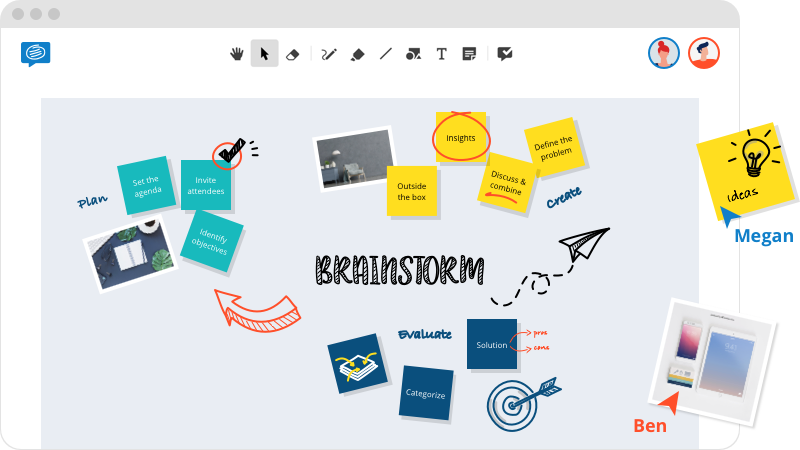
Conduct a virtual brainstorming session and bring your ideas to life with sticky-notes, sketches, shapes, arrows & more.
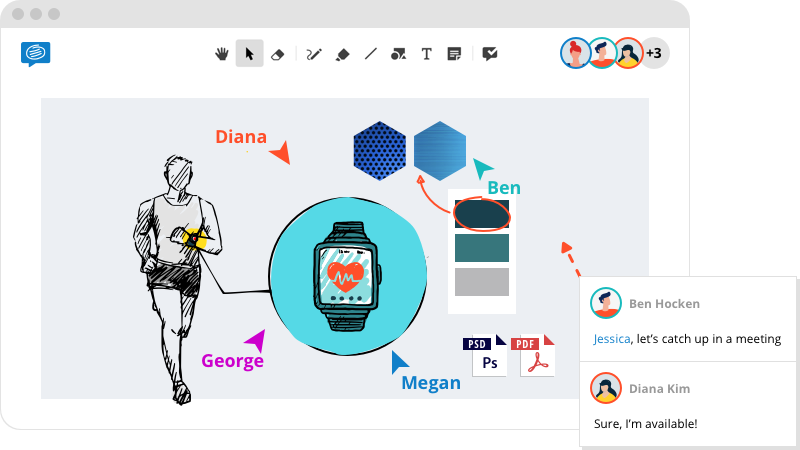
Import artworks, gather feedback, co-create in real-time & share designs with teams & vendors.
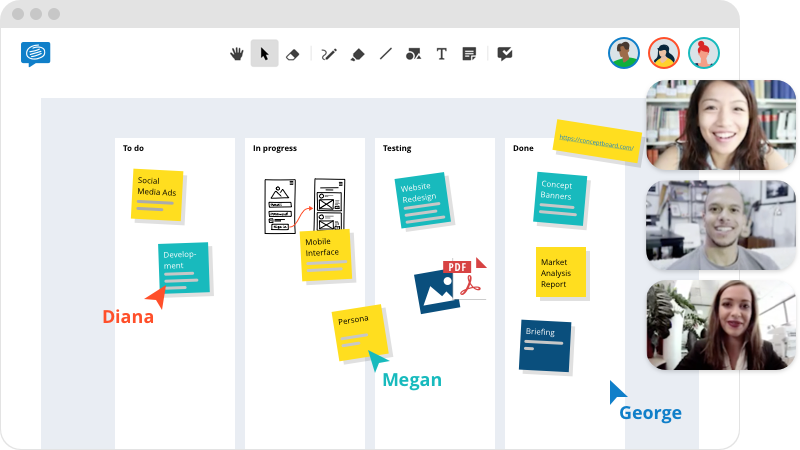
From remote standups to sprint planning and retrospectives, make your remote agile team feel like they’re in the same room.
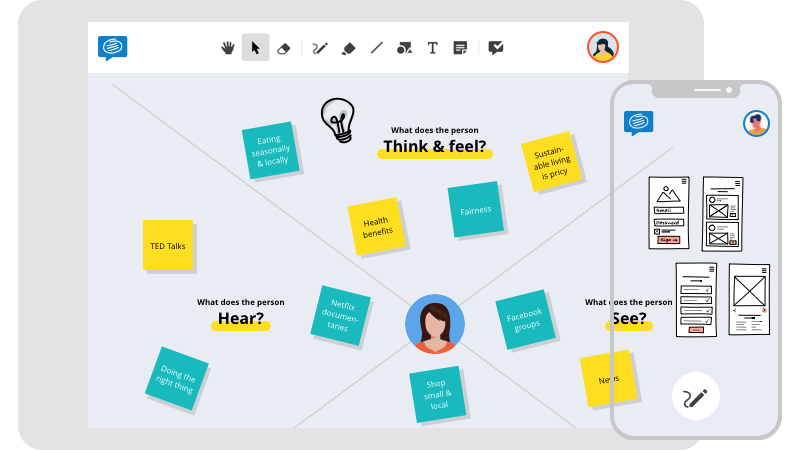
Facilitate remote design thinking sessions, collaborate on low fidelity prototypes, gather feedback & iterate with one tool.
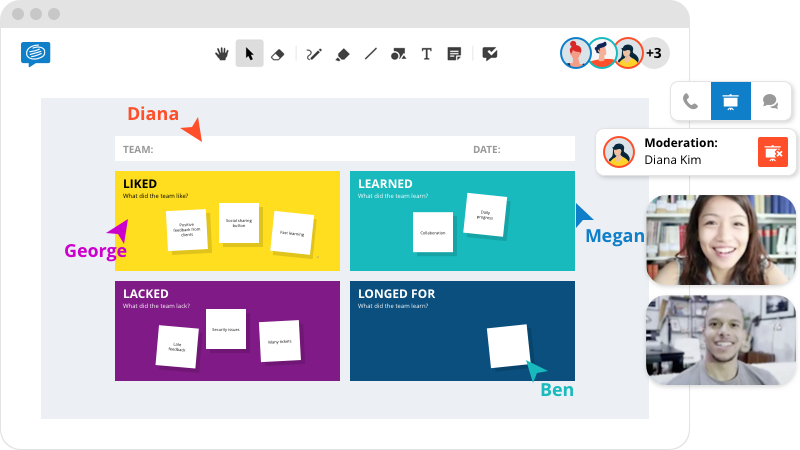
Centralize content and drive engagement with the help of video conferencing, screen-share & moderation functionalities.
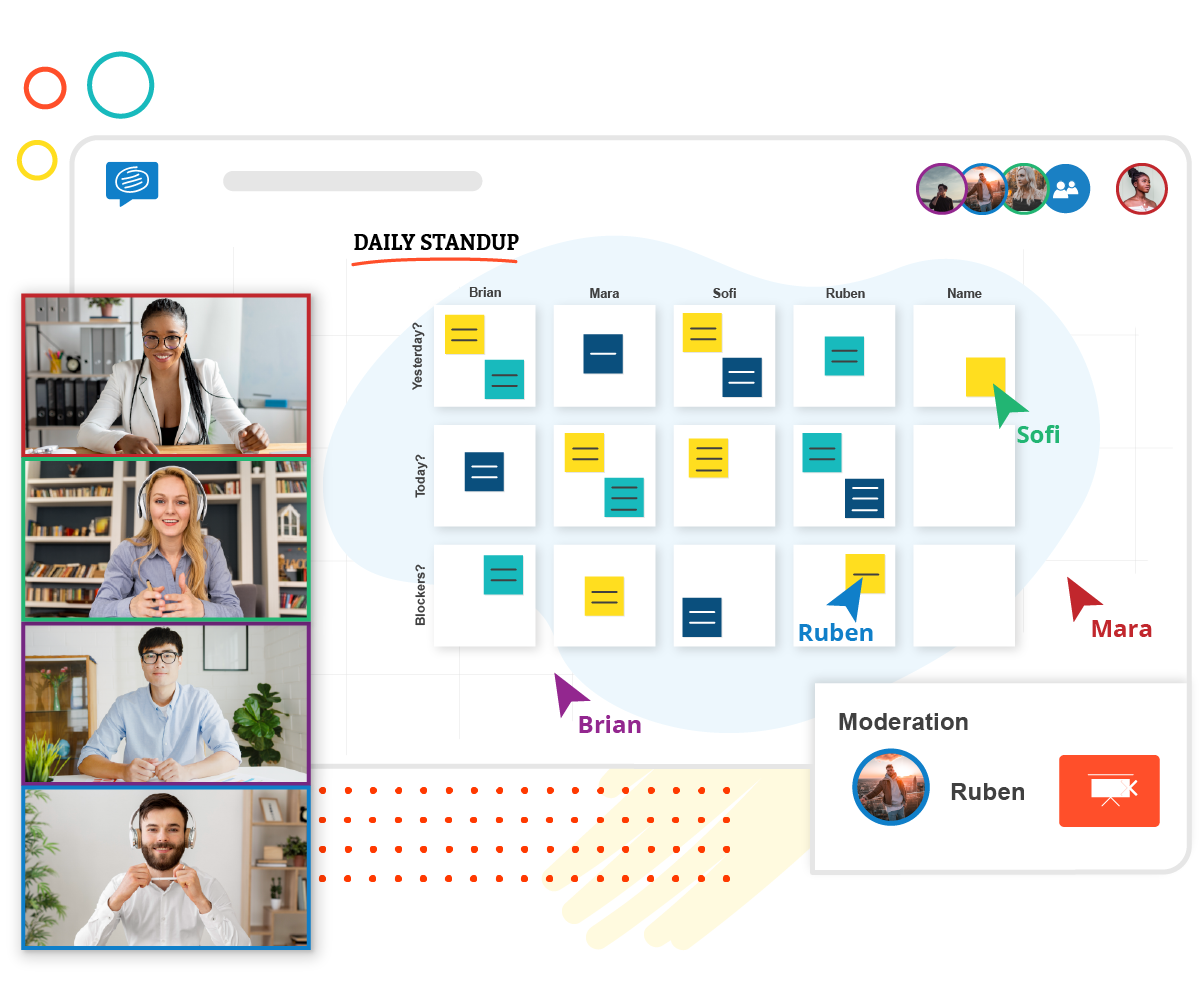
Conceptboard is a collaboration tool loaded with visual features that enable easy board management and seamless collaboration.
Features
Conceptboard is a collaboration tool loaded with features that enable easy board management and seamless collaboration. Experience our collaboration tool for remote work and hybrid teams!

An ever-expanding workspace

Guide board participants

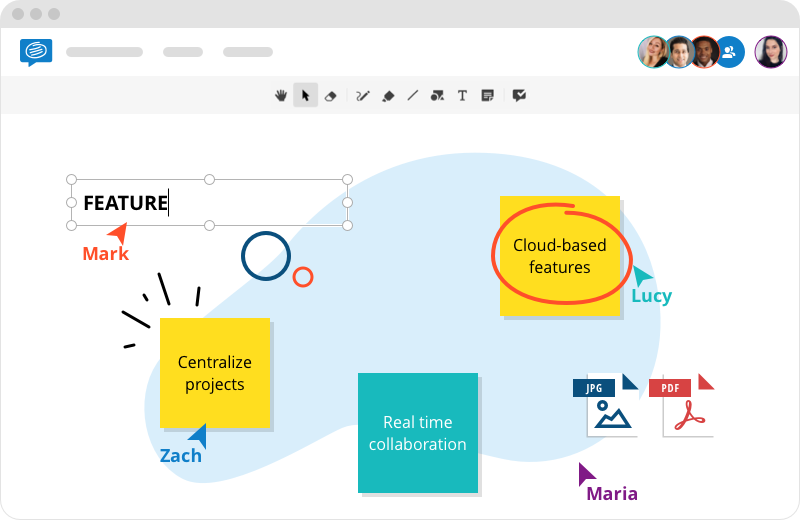
Pointers with participant names

Import popular file formats

Manage versions & edits

Control user access & permissions

Vast collection of ready-made templates

Organize boards, manage tasks & @mention users
Bring your ideas to life with sticky notes, shapes, lines, sketches and more.
Work in real time as a team and get results faster. Create content, assign tasks, and gather feedback. All in one tool.
Real-time collaboration with your team
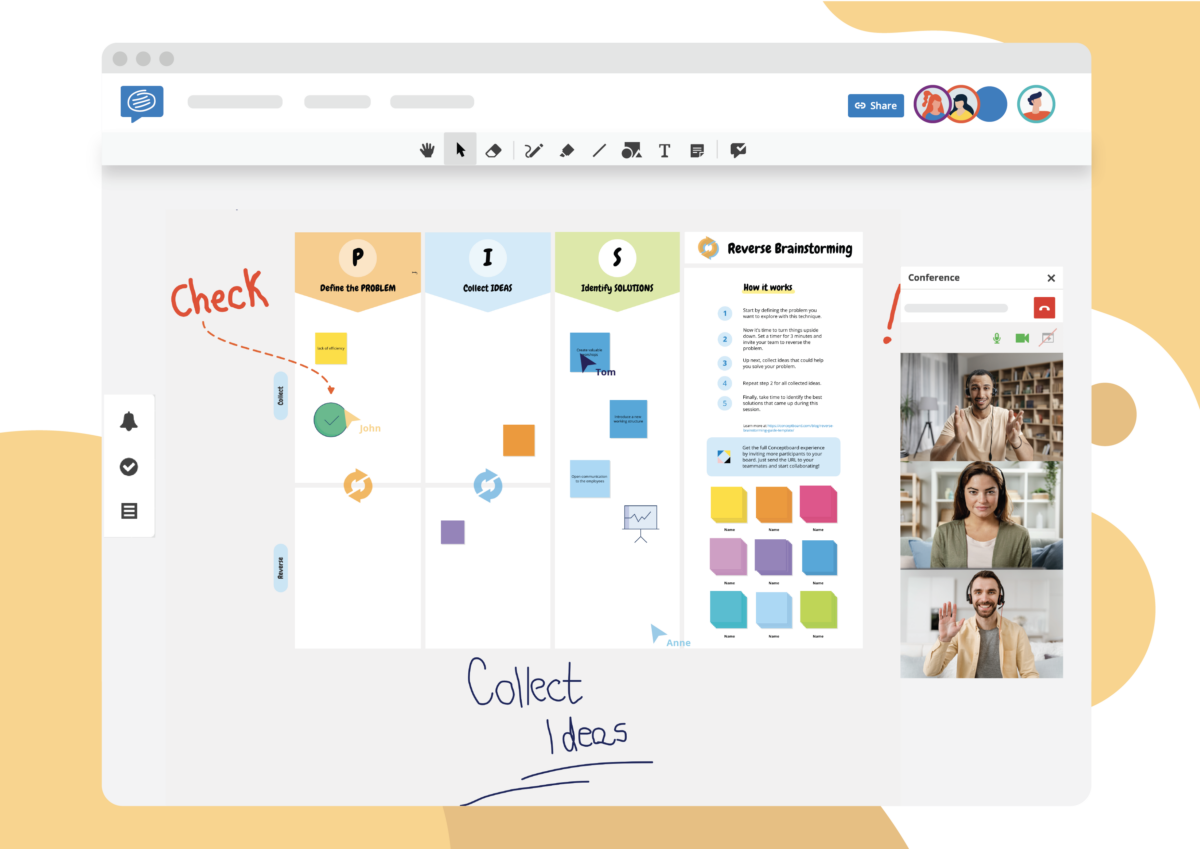
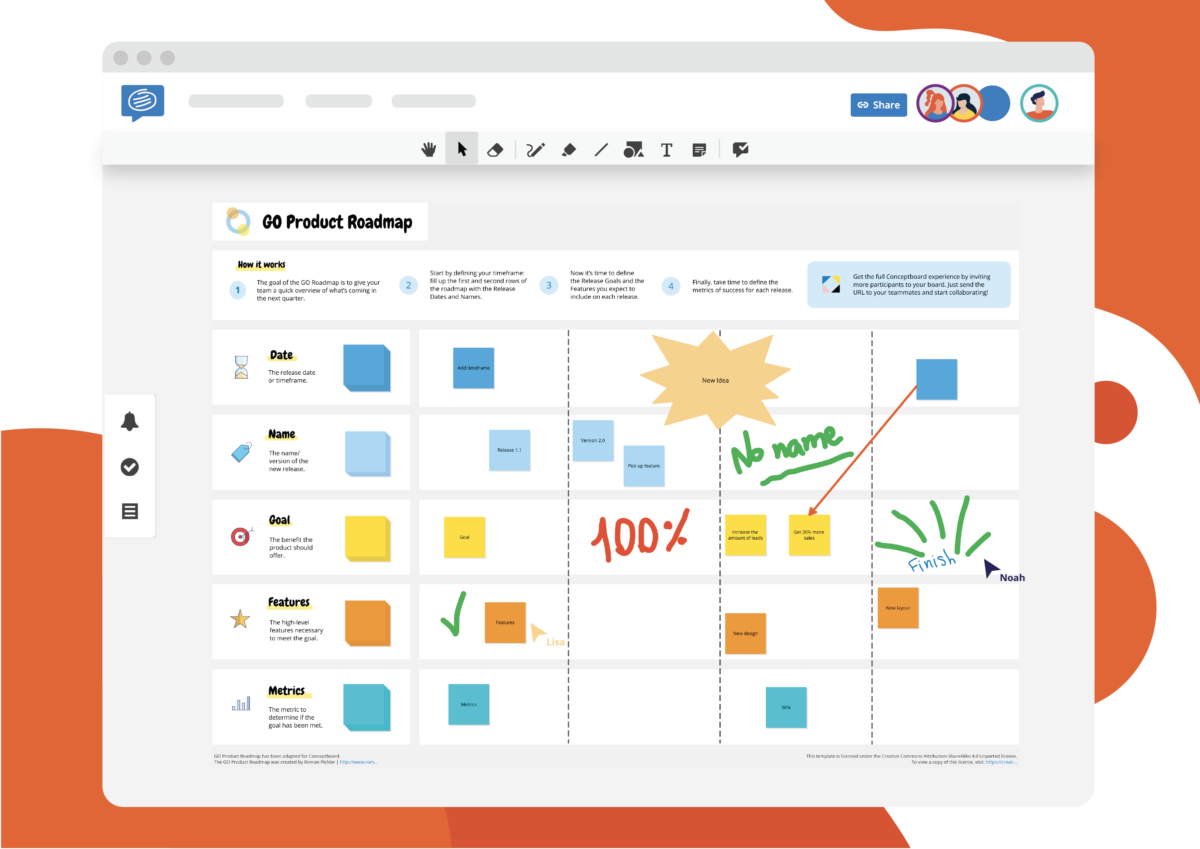
Tools such as sketches, sticky notes, shapes and arrows
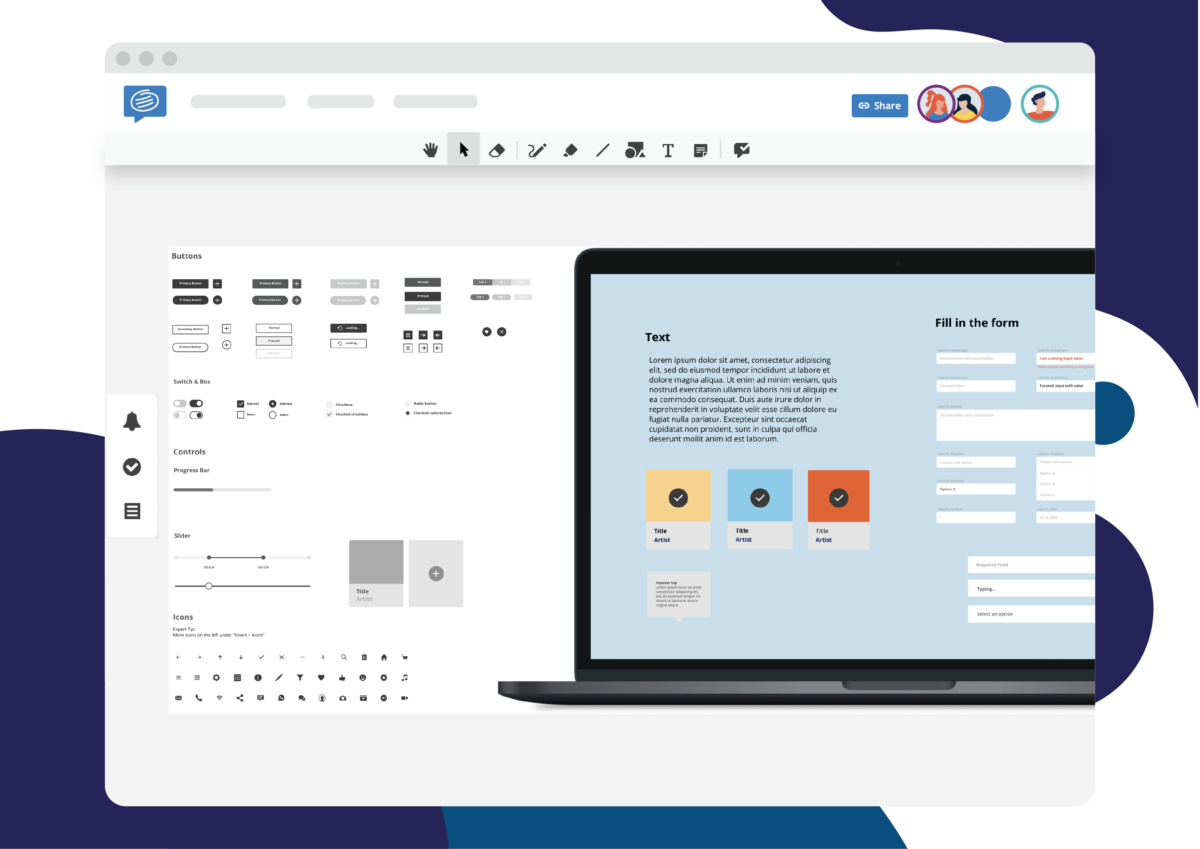
Planning, prototyping and collaborating
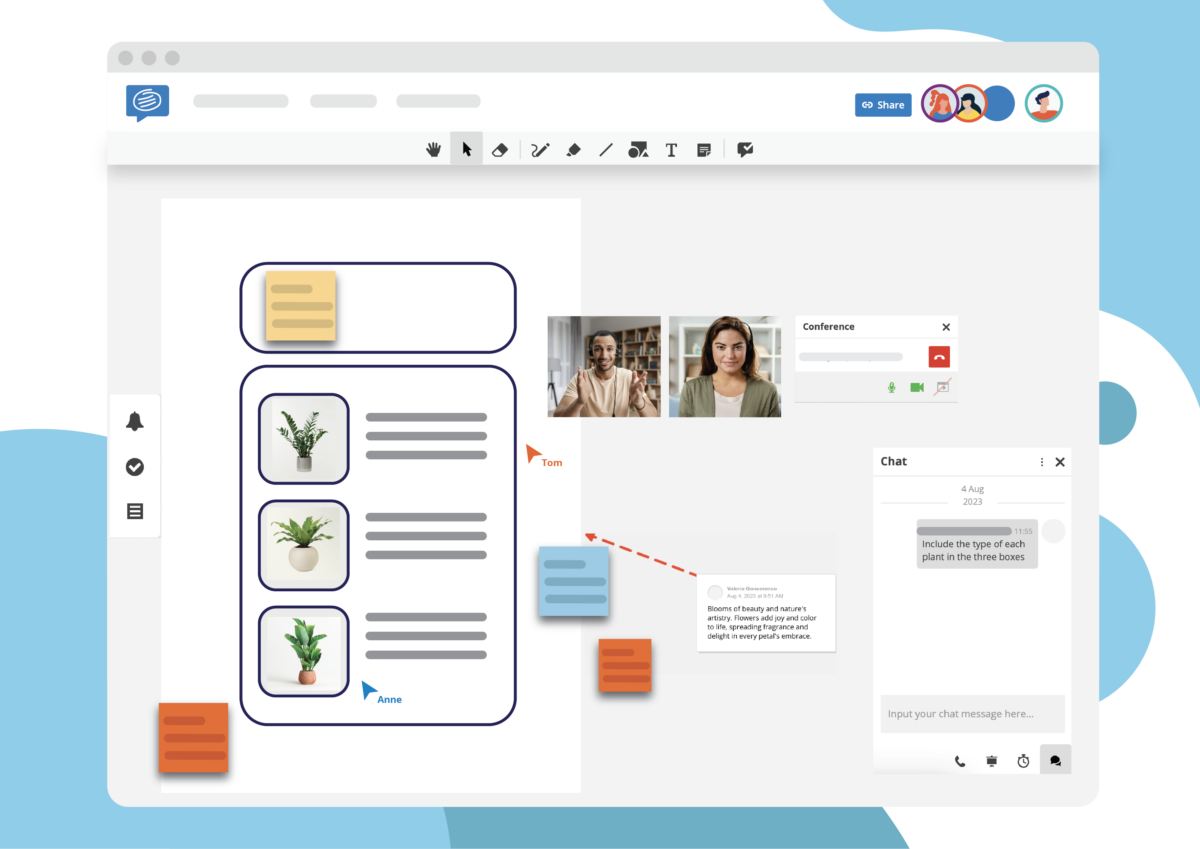
Live cursors, screen share and connecting on video calls
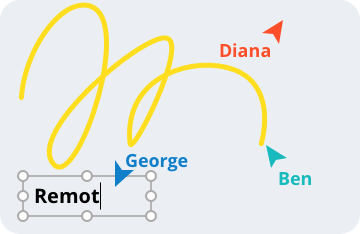
Follow everyone’s actions in real time with cursors that come with participant names.
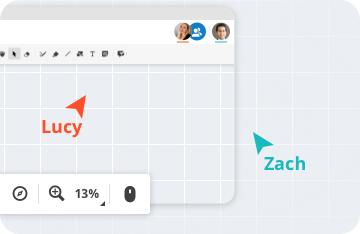
Centralise all your ideas in an ever-expanding workspace. Zoom out for an overview, or hone in on details.
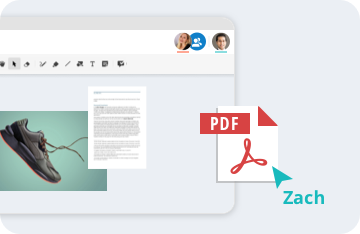
Add a wide range of multimedia files such as images, PDFs, videos & annotate them directly on the board.

Create sketches & low fidelity prototypes & transform your scribbles into strategy!
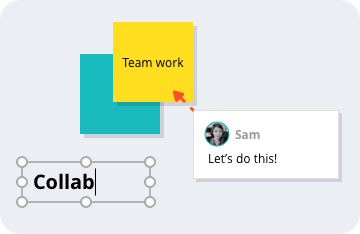
Centralise feedback & notes, with comments, sticky notes & text boxes.
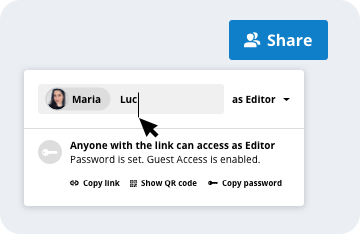
Quickly share boards with internal & external collaborators via a password protected link.
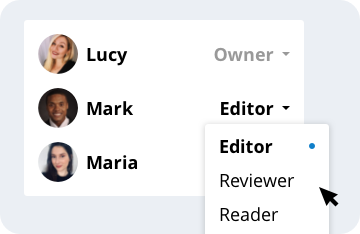
Maintain complete control over your boards by granting collaborators 3 different levels of access permissions.
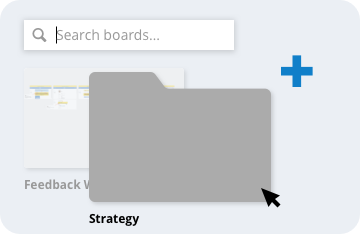
Juggling a lot of projects & collaborators? Organise your boards into specific project folders & control access at a board or folder level.
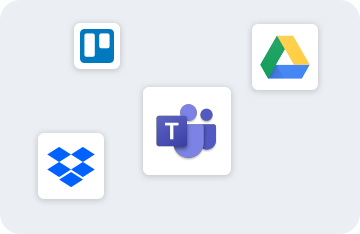
Streamline your workflow by connecting Conceptboard to your existing collaboration apps such as MS Teams, Google Drive, Dropbox & more.
All your boards are auto saved, so you never have to worry about saving your work again!
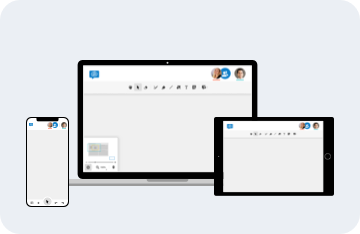
Access your boards across multiple devices & locations. All you need is an internet connection!
See who changed what & restore your board to any point in time via a time-lapse of the board’s complete history.
Conceptboard protects the confidentiality of your files in transit with high-grade TLS & multi-layered encryption at rest with 256-bit AES.
Learn more →
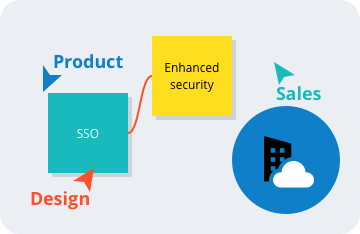
Scale visual collaboration across your organisation & discover added benefits such as enhanced security, choice of AWS data centre, SSO & more with Conceptboard Enterprise.
Learn more →
Get the latest Conceptboard news, product and feature updates, new templates, event invitations or surveys.